
A Key Step in DevRel: Good Documentation

Authors: Lauren Stephanian, Kole Lee
Why Good Documentation Is Important
Developer community growth is not only a current hot topic on crypto Twitter but also a rising demand throughout the ecosystem. This past year, influential figures from various blockchain ecosystems have expressed the importance of focusing on developers for success:
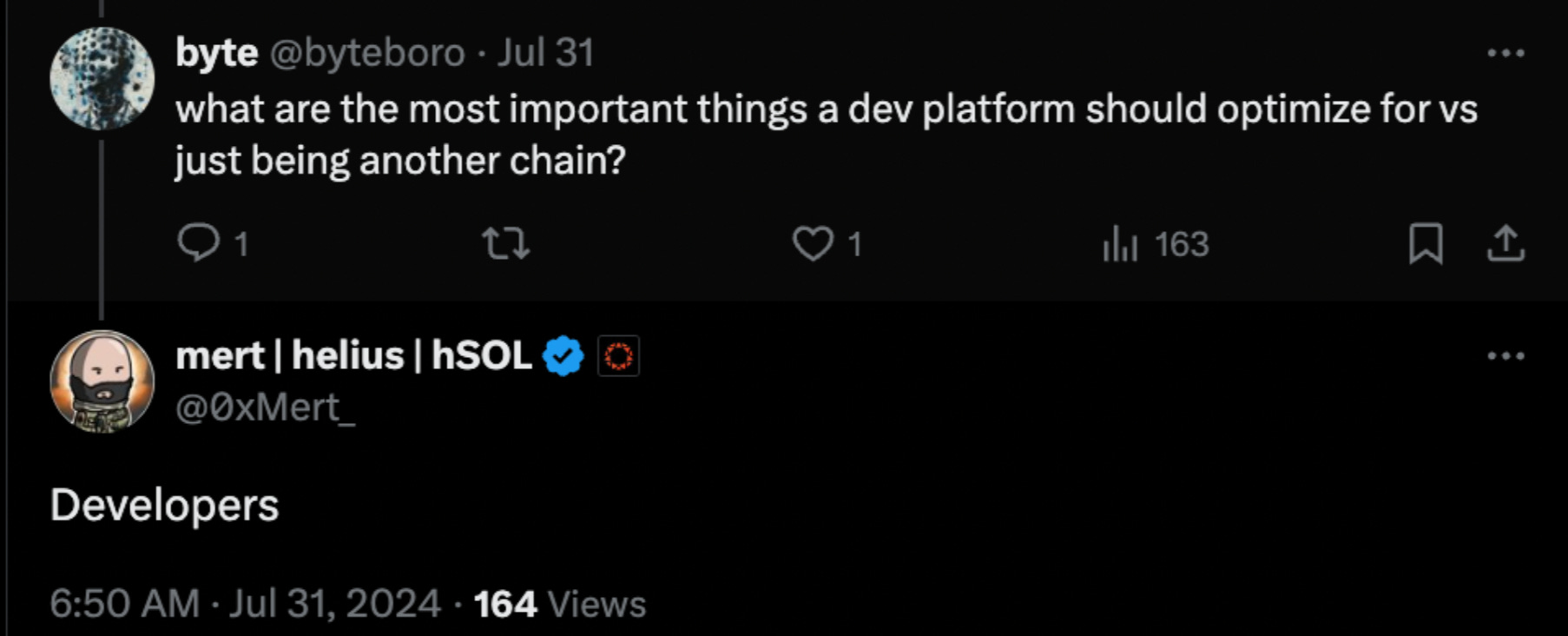
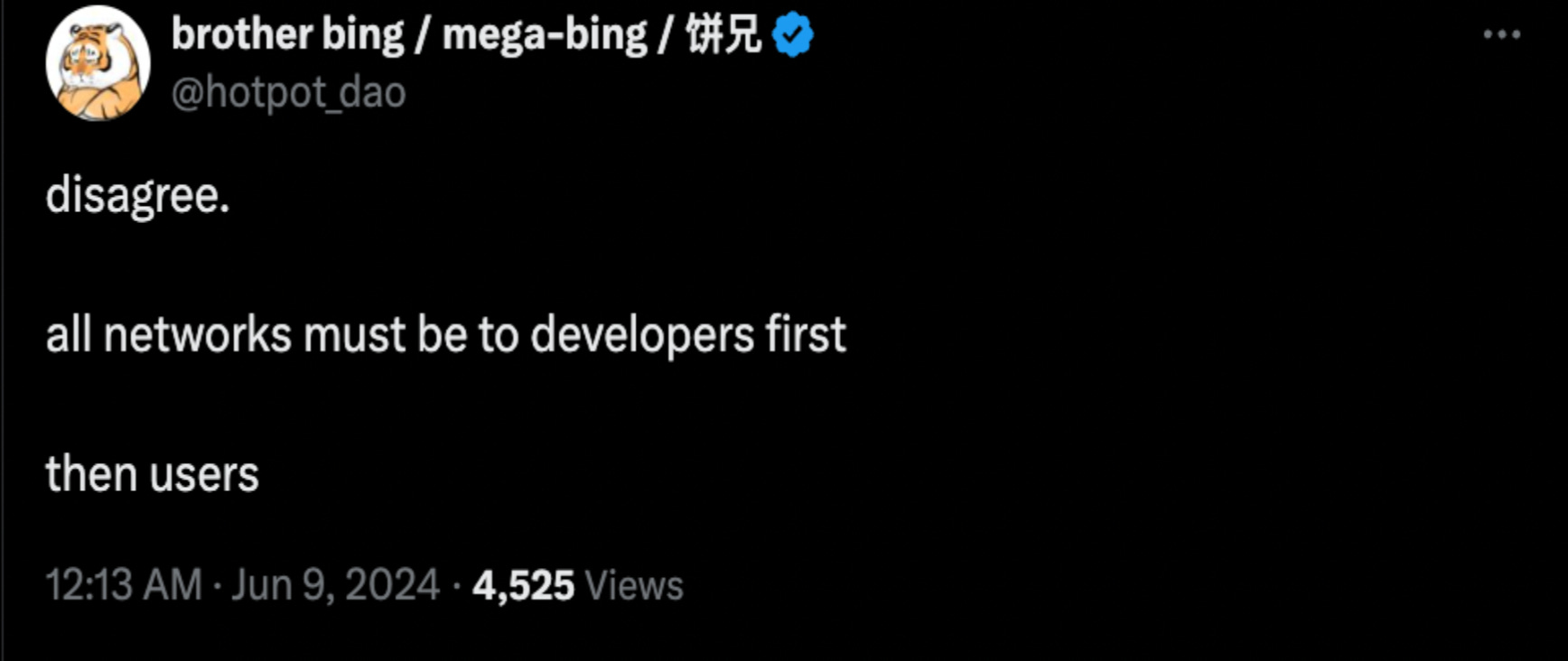
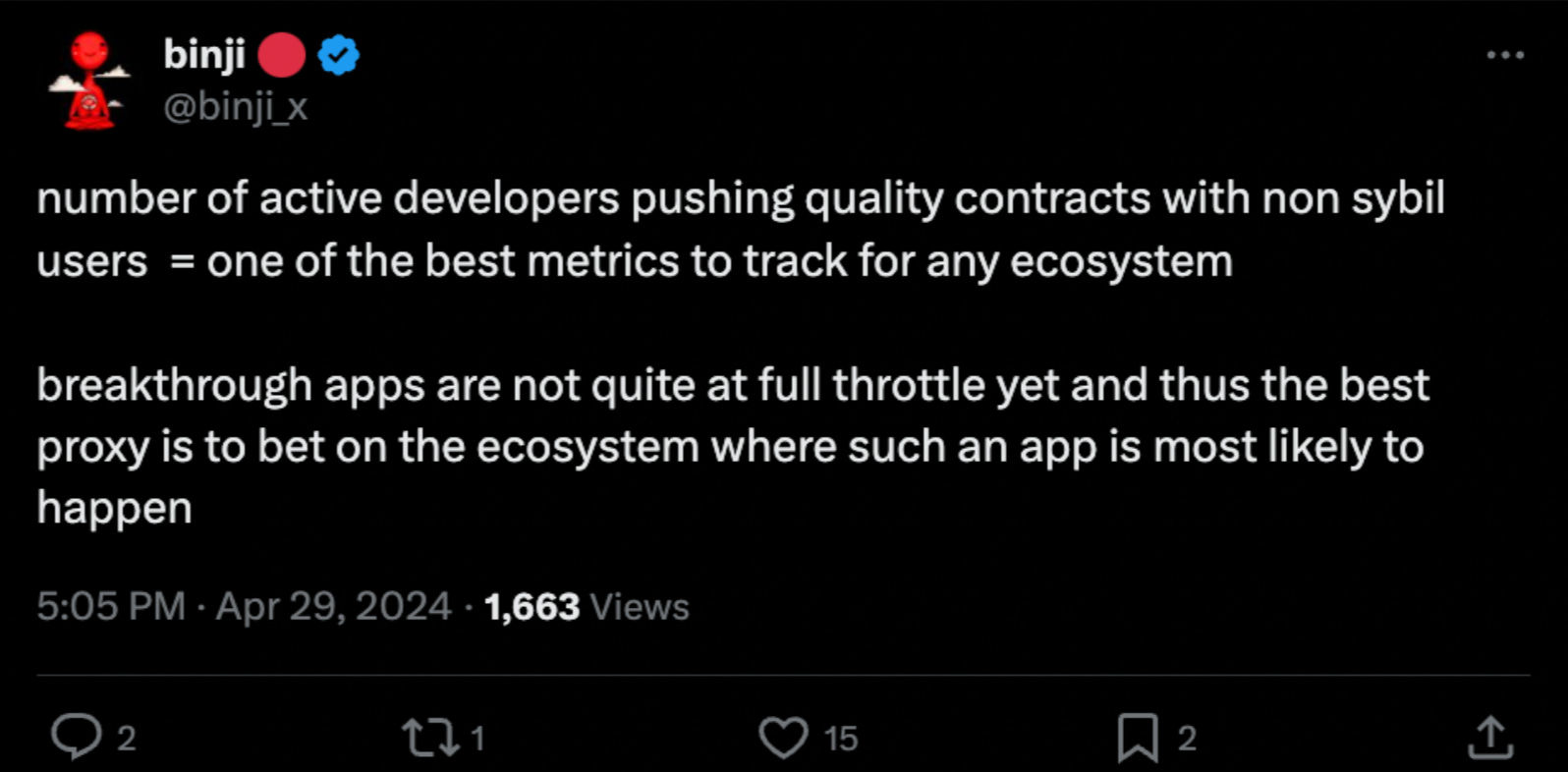
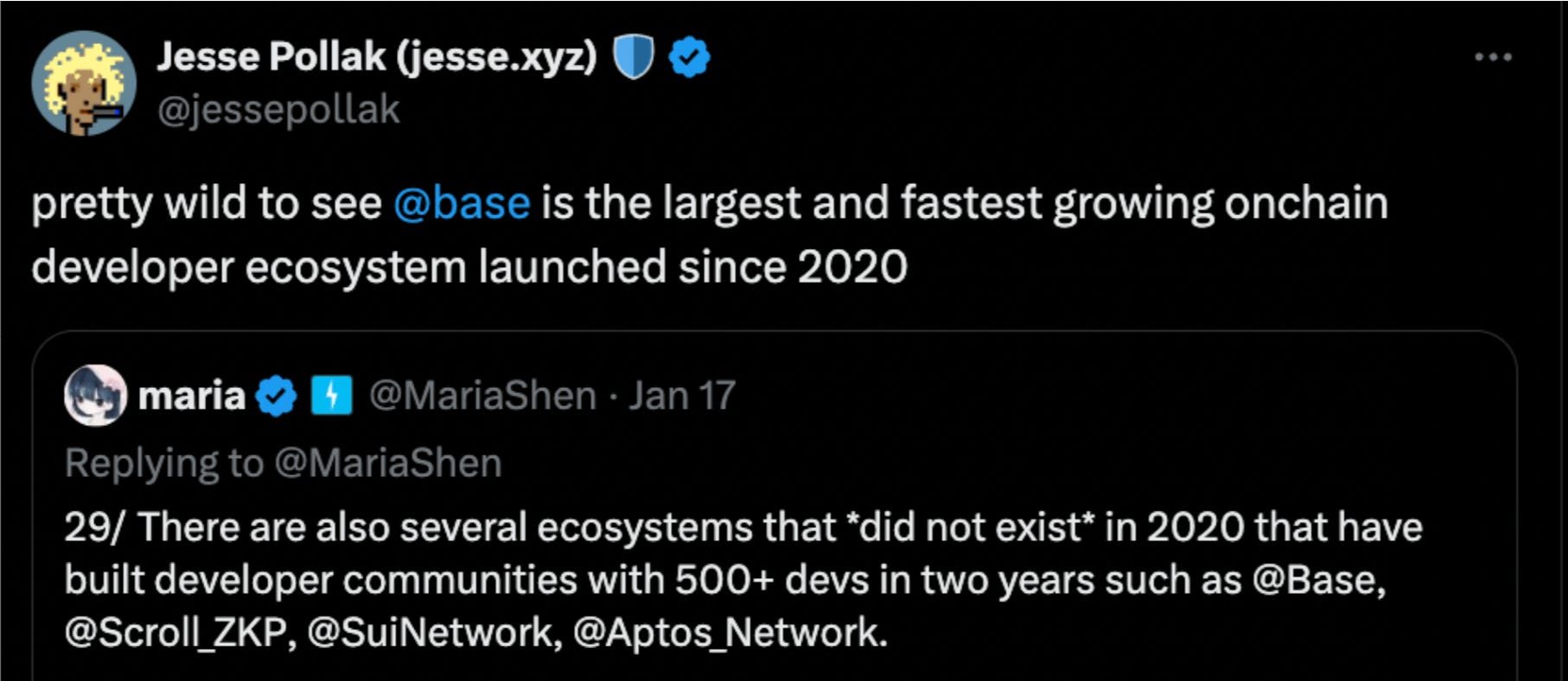
We believe the reason is clear: for any blockchain ecosystem to be successful, it must have users. To attract users, the ecosystem needs successful apps, and to create successful apps, a thriving developer community via great developer relations (devRel) is essential. To put this more broadly, whether it’s blockchains, bridges, oracles, or any other product that relies on developers to build on top of it, effective DevRel efforts are critical in fostering that community and driving innovation within the ecosystem.
Nader Dabit has an especially insightful post where he outlines his personal views on steps to build good DevRel. From his post:
Build a useful product: product must solve real problems. Without a useful product as a foundation, all efforts to attract users will be stunted
Have amazing docs: comprehensive and clear documentation is crucial. Documentation serves as the primary resource for developers to understand and effectively use the product
Provide a place for conversations to happen: hosting forums, chat rooms, and in-person events platforms for discussion fosters a community where developers can share knowledge and receive help from both external parties and the DevRel team
Optimize for many-to-many relationships: this allows you to build community in a scalable way
Identify and incentivize your superstars: recognize and reward the top contributors who add significant value to the community and enable them to onboard others
Prioritize diversity: a diverse community brings varied perspectives and solutions, enhancing the overall ecosystem
Meet people where they are: meeting developers at their level of expertise and being helpful wherever you can - even outside the context of your product - can foster goodwill with your users
Be transparent about tradeoffs: openly discussing the pros and cons of product decisions will build trust and understanding with your community
Contract out your weaknesses: If certain areas are outside your team’s expertise, don’t forget that contracting and outsourcing are viable options
While there are clearly many ingredients that go into creating good DevRel, we’ll focus here on one of the most crucial elements: documentation. After building a genuinely useful product – which is foundational but often overlooked in this industry – creating high-quality documentation is the next critical step. When building for developers, documentation should almost be thought of as part of your overall offering – essentially, part of the product itself.
Just as smooth onboarding is crucial for consumer applications, documentation serves as the onboarding experience for developers, making it vital for their future engagement. High-quality documentation can significantly boost adoption by removing friction, making it easy for developers to grasp the 'why' and 'how' of integrating your product. It also builds confidence in your product's functionality, fostering trust and encouraging deeper engagement within the developer community.
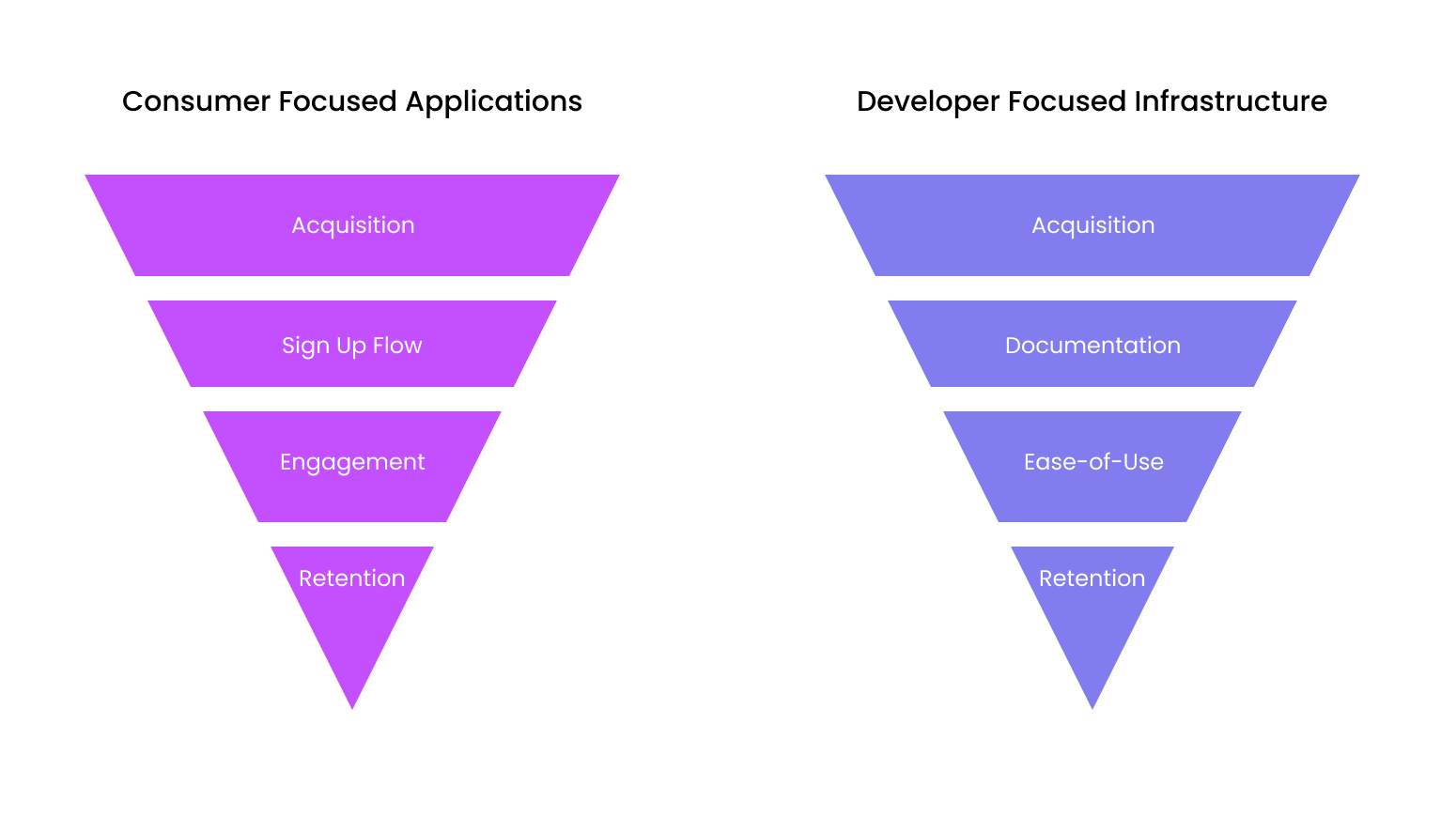
Developer docs are a key component of an infrastructure protocol’s onboarding funnel
As important as documentation is for keeping your onboarding funnel wide, standards often vary, and many struggle to generate engaging, organized, and clear docs that effectively attract new developers. Despite its importance, there aren’t many guides on this subject geared for the web3 community. Therefore, we spent a month gathering advice and feedback from the people focused on documentation at leading web3 infrastructure companies. I hope the insights below will serve as a useful resource for those just starting out or thinking about ways to improve their docs.
Authors Note
It’s important to acknowledge I’m not an expert on this! This post was made possible by the kindness of the smart, hard working people we spoke with in crypto. Huge thanks to: Gabriel Silva at Polygon, Mahsa Moosavi at Offchain Labs, Ilia Volokh at Starkware, Vlad and Sepezho from Evaa Protocol, and Sanjeev from Leap Wallet, Nihal Maunder from Pantera, and Abhay Mavalankar from Moonpay.
What to Consider / Recommendations
We spoke with technical writing managers, PMs overseeing the doc-writing process, and developers across various infrastructure protocols, including Arbitrum, Polygon, and Starkware. Below are some learnings from these individuals on how they approach creating high-quality technical documentation:
The Writer(s)
As common practice, developers should at least document their own code and create an early rough draft that describes the code’s intentions. No one is closer to the product than the people creating it, and they are best positioned to understand exactly how it works. Typically an organization that requires developer documentation will have a PM or a technical writer responsible for formalizing these drafts and preparing them for production. These individuals should join weekly developer standups, as they are the next closest to fully understanding the product’s functionality.
Matic Labs, the team behind Polygon, has been around for nearly seven years, creating various developer-focused products and acquiring infrastructure companies along the way, which has led to the creation and acquisition of multiple sets of documentation in the process. Gabriel, a VP of Product at Polygon Labs, kindly shared how his team structure evolved to better support their documentation writing process and onboard more developers across the board: Initially, a technical writer would develop the documentation for a singular product. However, as the company scaled and the number of products increased, they shifted to a more scalable model where each product’s PM drafts the documentation, and then a technical writer would streamline and refine them all.
Learnings
DONT
Don’t delay documentation; this builds technical debt, requiring extra effort later to accurately describe the protocol and how to interact with it, potentially resulting in low-quality docs.
DO
If you’re a small team, developers should start by creating basic documentation as they build. A technical writer or PM can then take this and develop more detailed technical docs. It’s also helpful to have your docs writer attend weekly dev standups for better context. As your product offerings grow, you can develop a model like Polygon’s, where PMs draft the docs for their own specific products, and a technical writer works across teams to streamline everything. Additionally, consider using third parties for feedback; a low-stakes closed group can be valuable for initial review.
Your Tooling
Most people we spoke with said they use Google Docs to draft their documentation. It’s easy to use, collaborative, and flexible. Some also used Notion.
Learnings
DONT
It’s probably not necessary to try to use fancy doc-writing software like Document360 – unless you really want to!
DO
Stick with Google Docs, which is user-friendly and comes with excellent technical writing resources: Google Tech Writing Resources.
Your “Customer”
Who are you writing these docs for? Clearly identifying your audience will guide you in choosing what links and material to include. While it might seem obvious, it’s easy to fall into the trap of including links to non-relevant content, especially very basic intro content. When determining what to include or exclude, one rule of thumb from Mahsa is to review your docs and ask yourself, “Am I able to complete or understand this step without prior knowledge of X?”
Additionally, crypto is global. A growing percentage of crypto engineers are based outside of the US, while South Asia, Latin America, Eastern Europe, Western Africa, and Southern Europe collectively increased their share of developers by 20% since 2018. Adding documentation in other languages will help broaden your reach.
Learnings
DONT
Mix introductory content for end-users with technical content. It can overwhelm your documentation and make it less effective.
DO
Only include material essential to understanding your product. Once your documentation in your native language is solid, consider adding additional languages.
Organization
Most technical docs are comprised of:
Concepts
Tutorials
Links to additional materials, such as video content spread across different products a company or protocol might offer.
There is no one way to organize files and folders within the documentation page, but it’s important to be intentional in your approach. Arbitrum, for example, puts their concepts and tutorials side by side respectively so that people can take time to learn how the protocol they’ll be building on works first. Polygon, on the other hand, made it their goal to get devs building as quickly as possible, so they present tutorials first and concepts afterwards. Both approaches then flow into in-depth core protocol discussions for those who are interested.
Some docs need to describe new infrastructure based on familiar VMs and languages, while others must introduce an entirely new programming language. For example, the Starkware team created Cairo, a Rust-based language that developers use to interact with their L2, Starknet. Since their users had more to learn before they could start building, they prioritized organization within their documentation, separating the Cairo language docs from the Starknet concepts and tutorials.
Learnings
DO
If you have multiple products, consider hosting them in separate spaces, possibly with different flows. Whatever your approach, be intentional about your overall organization.
The Product(s)
Some products are more complex than others, requiring different flows to help users understand them better. Some products may benefit from more in-depth materials, like extra tutorials or video content. Each use case is unique, but it’s crucial to put yourself in your users' shoes. How quickly can they reach "Hello, World" from what’s written? Are there gaps in your current content that additional material could fill?
Learnings
DO
Have your team “dog-food” your own docs or have unbiased third parties test out your docs to see how quickly they get to reach the “Hello World”. Identify points where users get stuck or drop off. Remember, your docs could be thought of as a sub-product themselves. Don’t hesitate to repurpose tactics you’d normally reserve for reducing friction in your product – such as monitoring click-through rates or surveying third-parties – to improve your docs.
Additionally, consider reviewing top competitors’ documentation to see what they do well and what frameworks or styles might best help users understand your offerings.
Style and Branding
Docs should be streamlined stylistically to create a cohesive and visually appealing experience. While not essential, a graphic designer can help elevate your documentation, making it more engaging and easier to navigate. Consistent headings, icons, and color schemes can break up dense information and keep users engaged. Even small touches, like well-placed images or diagrams, can greatly enhance understanding.
Learnings
DO
Make content visually appealing, easy to read, and enjoyable for readers.
Completeness
You might ask: how complete do your docs need to be before product ships? Technical writing is an iterative process, so you shouldn’t feel pressured to feel it’s in a state of perfection at launch.
The answer to this question hinges on the first item on Nader’s aforementioned list: how useful is your product? We’ve found a surprising willingness of DApp devs to wade through incomplete and imperfect docs just to help contribute to the core protocol, especially in situations where the protocol offers something that would positively impact their business (distribution, transaction speed, etc). Your users are likely more forgiving than you’d expect, especially if the tech provides benefits they can’t get elsewhere.
That said, your team must create space to receive feedback, answer questions, and interact directly with your users. You should provide a good forum for this, and ensure the process to connect with someone on your team is obvious.
Learnings
DONT
Stress yourself on 100% completeness for docs at launch. Devs are forgiving, especially with useful infrastructure, and documentation is an iterative process.
DO
Set a goal for yourself/the team when it comes to % completeness as product ships. Collect feedback actively, and ensure someone on your team is available to your community. Iteration depends on feedback!
Some North Stars and Why They Represent the Recommended Actions
Polygon and Chainlink were frequently cited as some of the best infrastructure documentation by other technical writers and PMs in crypto. Rust was cited as the best docs for a language.
Programming Language Docs
Rust
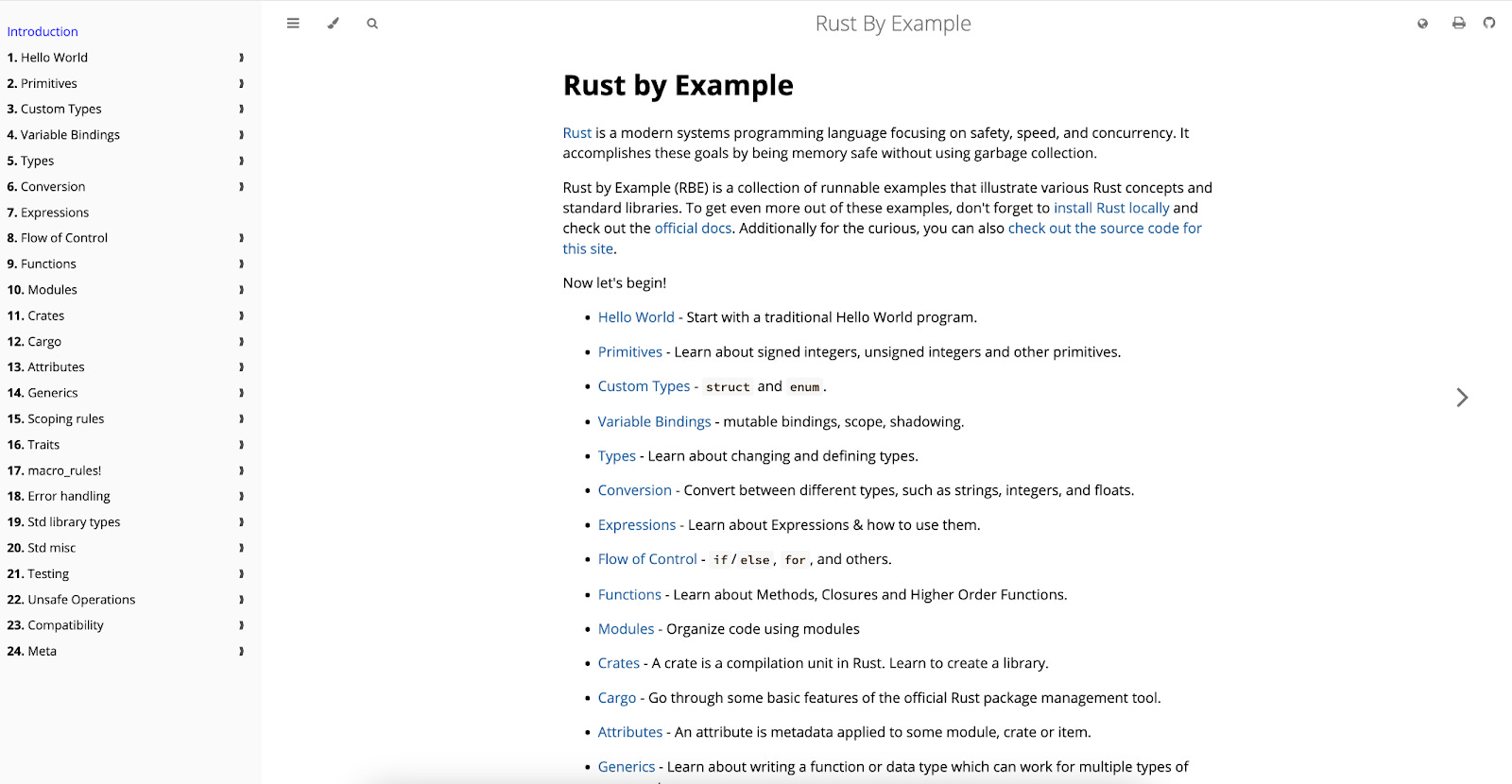
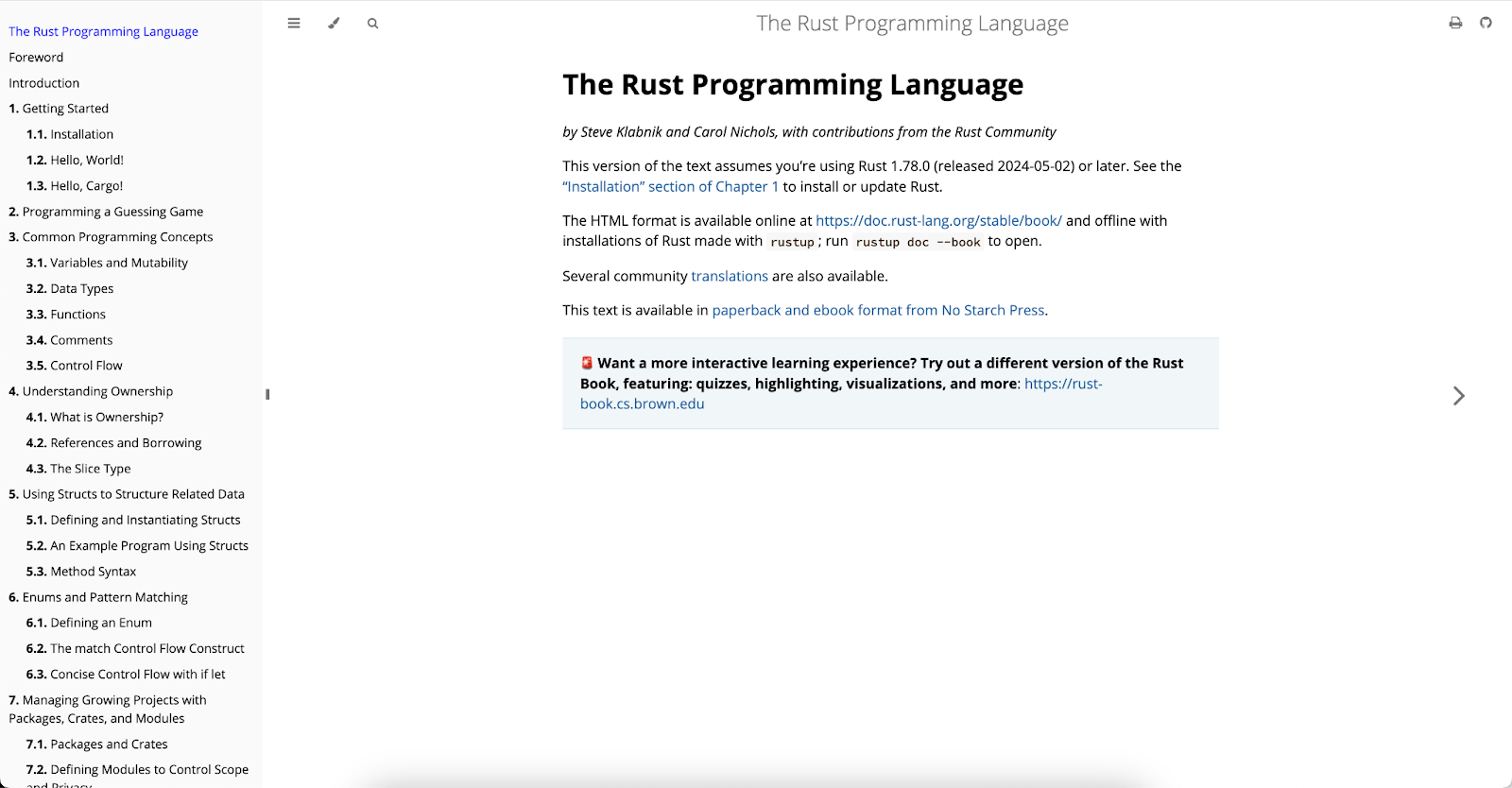
Rust provides simple, easy-to-read language documentation. They have concepts in one section and learn-by-doing style tutorials in a separate place.
Style
The Rust Standard Library Documentation is a good example of simplicity and clarity. The layout is clean, with a simple color scheme that enhances readability. Each function is documented with clear and concise descriptions, parameter lists, and return values.
Organization
One of Rust’s most effective strategies is separating conceptual explanations from practical, hands-on tutorials. This helps learners first understand the theory behind the language features and then apply that knowledge through guided practice.
Concepts: The Rust Book dedicates its initial chapters to foundational concepts. For instance, Chapter 4 covers ownership, borrowing, and lifetimes in detail, explaining these core concepts with clear language and diagrams.
Tutorials: The Rust By Example Site complements the conceptual learning by providing practical examples. Each example is a self-contained lesson that includes code snippets and explanations. For instance, the section on “Ownership” provides code examples that illustrate how ownership works in practice, reinforcing the concepts introduced in the Rust Book.
Engaging Content
The Rust Playground is a good example of an online Tool integrated into the documentation that allows users to write and execute Rust code directly in the browser. This immediate feedback loop is invaluable for learners experimenting with new concepts or debugging code snippets from tutorials.
Accessibility and Reach
Rust Community Contributions on Github allows anyone to contribute to the documentation. This openness helps keep the documentation accurate and comprehensive, so many eyes can spot and fix issues. This community-driven approach allows for a diverse range of perspectives and expertise, enhancing the overall quality of the documentation.
Additionally the Rust Book Translations page lists available translations, including Japanese, French, and Chinese. This makes it easier for non-English speakers to learn Rust.
Rust also provides a developers with additional access points, such as their Rust Users Forum, Discord Channels, Reddit, Rust Blog, and YouTube.
Infra Protocol Docs
Chainlink
Organization and Style
Chainlink provides organized and well written documentation, complete with clean diagrams to help users understand how their product works. Given Chainlink products are updated frequently, they needed a way to notify their users of changes. They utilize banners to highlight and notify developers of major changes, which is helpful and non-invasive.

Engaging Material
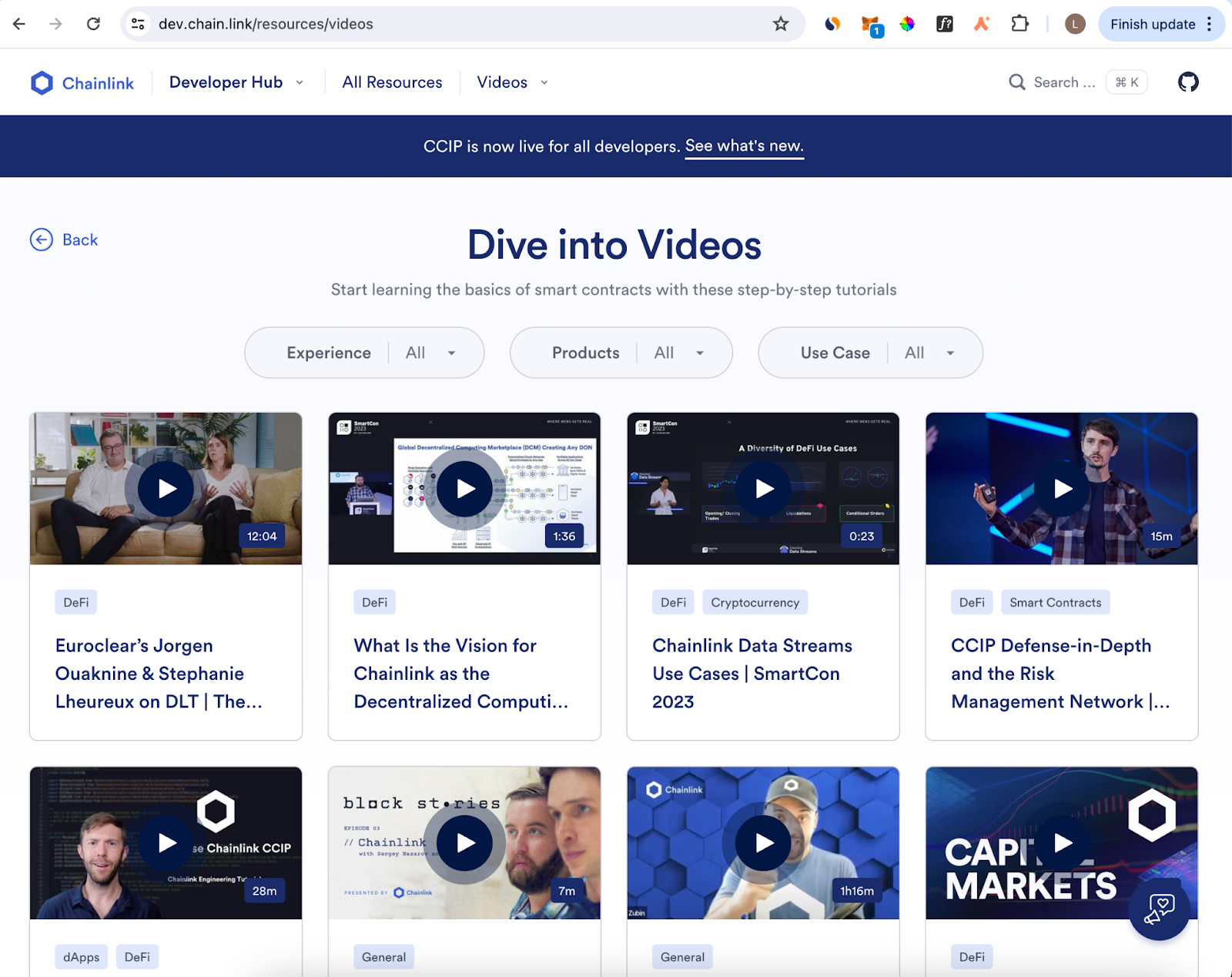
Outside of an aesthetically pleasing UX, Chainlink also hosts tons of video content. This allows them to repurpose many talks and panels conducted by the team, a scalable strategy which also allows them to broaden the reach of their live content beyond in-person conferences and events.
Polygon
Style and Organization
Polygon has acquired a number of companies with different states of documentation, however their zkEVM docs are frequently lauded as some of the best. They provide users with a clean UX and intuitive organizational flow.
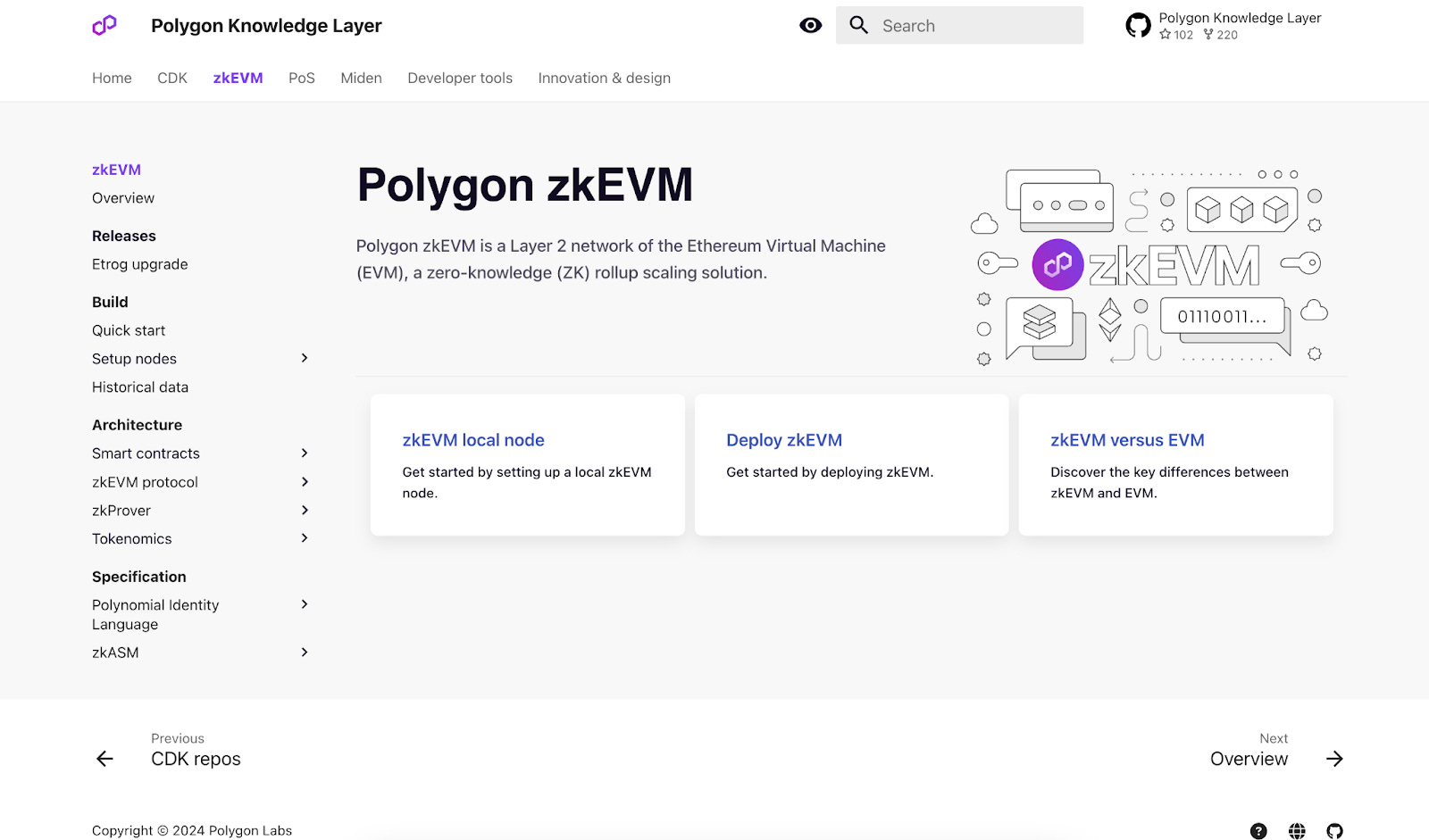
Engaging Content
Polygon also provides a surplus of tutorials. Their hack: a researcher in their community created a class on how their zkEVM works. Many tutorials were created for this class, which the team then used as foundational material. They found tutorials to be especially helpful, especially where people got to see the cmd line and where the demonstrator was in the directory.
Conclusion
There is no one way to write technical documentation. However, there are countless tips and tricks you can pick up from existing crypto businesses’ docs.
The key is to consider your products, decide who you’re writing for, and think of your docs as being an important part of your overall offering. Like your core product or products, they should be easy to look at, navigate, and understand. The goal is to reduce as many barriers to entry as possible when onboarding developers. Technical documentation should not only make it easy to use your company’s products, but ideally also be a delightful educational process, which will consequently help your business’ overall success.